
Track Blazers Small Business Starter Kit

Becoming A Premiere Pro
Categories: Content Creation
Wishlist Share

About Course

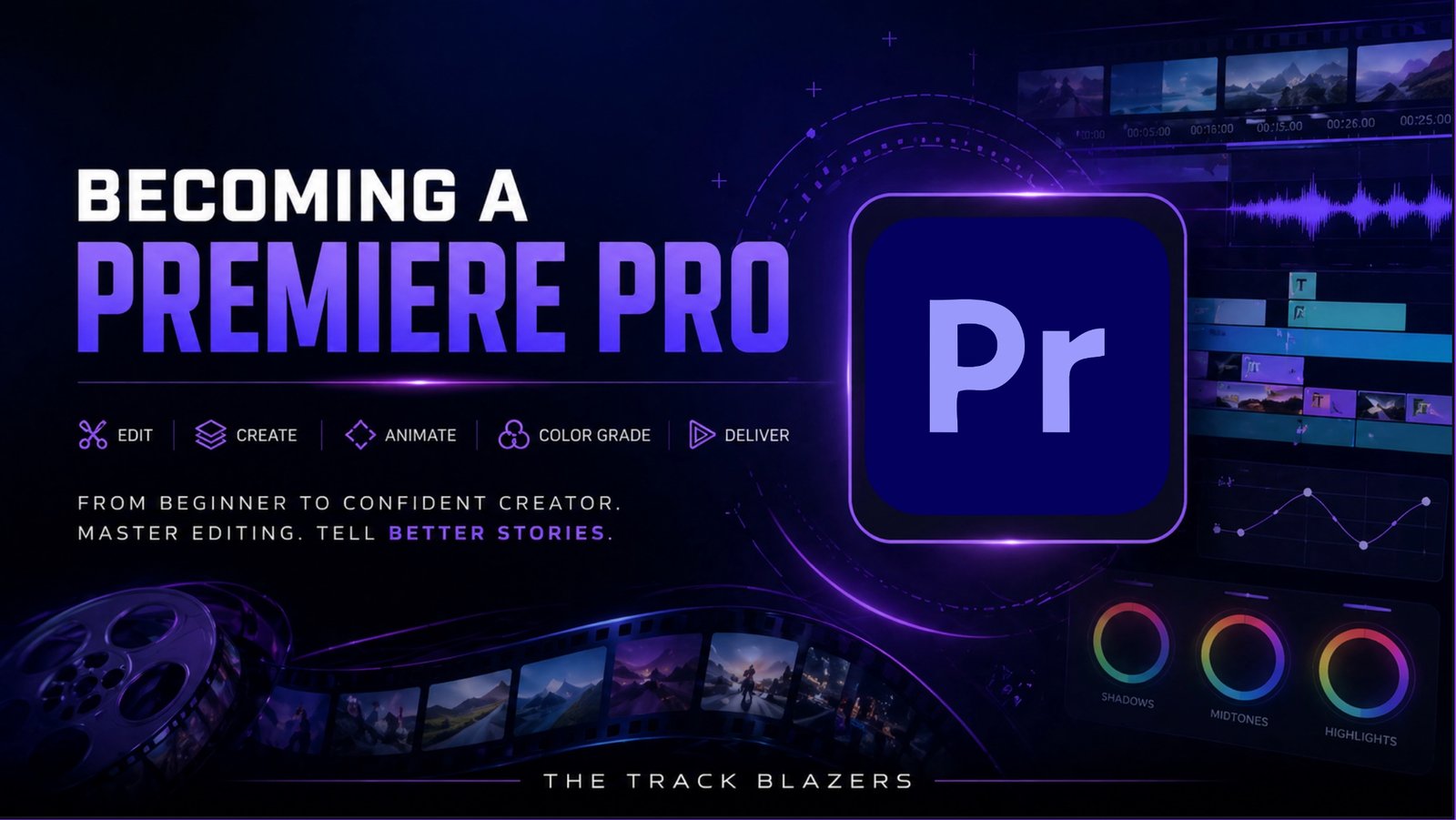
Learn how to organize, edit, enhance, and export professional-looking video projects using Adobe Premiere Pro. This course introduces the essential editing workflow, from importing files and navigating the workspace to trimming footage, improving audio, adding titles, correcting color, and preparing a finished video for delivery. The core skills taught throughout the course also apply to virtually any video-editing software, making this a strong foundation for continued growth as an editor and content creator.

Course Content

Introduction
This opening lesson introduces the course, outlines what learners can expect, and provides an overview of the video-editing process. It prepares viewers to explore Premiere Pro’s interface, essential tools, creative features, and final export workflow.

  • Course Intro
    01:25

Module 2: Understanding Premiere Pro Layouts
This module introduces the Premiere Pro workspace and the essential tools used throughout the editing process. Learners will discover how to import and organize media, navigate the interface, assemble footage, improve shaky clips, add supporting assets, and create smoother visual transitions.

Module 3: Finalizing Edits
This module focuses on the finishing touches that take a video from a rough edit to a polished final product. Learners will improve audio, add titles, synchronize sound and footage, correct color, and export their project so the completed video looks cleaner, sounds better, and is ready to share.

Conclusion
This final module brings the course together by showing how the tools and techniques covered throughout the training fit into a complete video-editing workflow. Learners will review the process of turning raw footage into a polished final project and reinforce the importance of organization, thoughtful editing, strong audio, clean visuals, and proper exporting. The module also encourages continued practice and prepares learners to apply these foundational skills in Premiere Pro or virtually any other video-editing software.

Student Ratings & Reviews

No Review Yet
No Review Yet
PNFPB Install PWA using share icon

To install app on your device, tap the Share button in Safari. Scroll down and select 'Add to Home Screen'. Then tap 'Add' to place the app icon on your Home Screen.