


All About After Effects
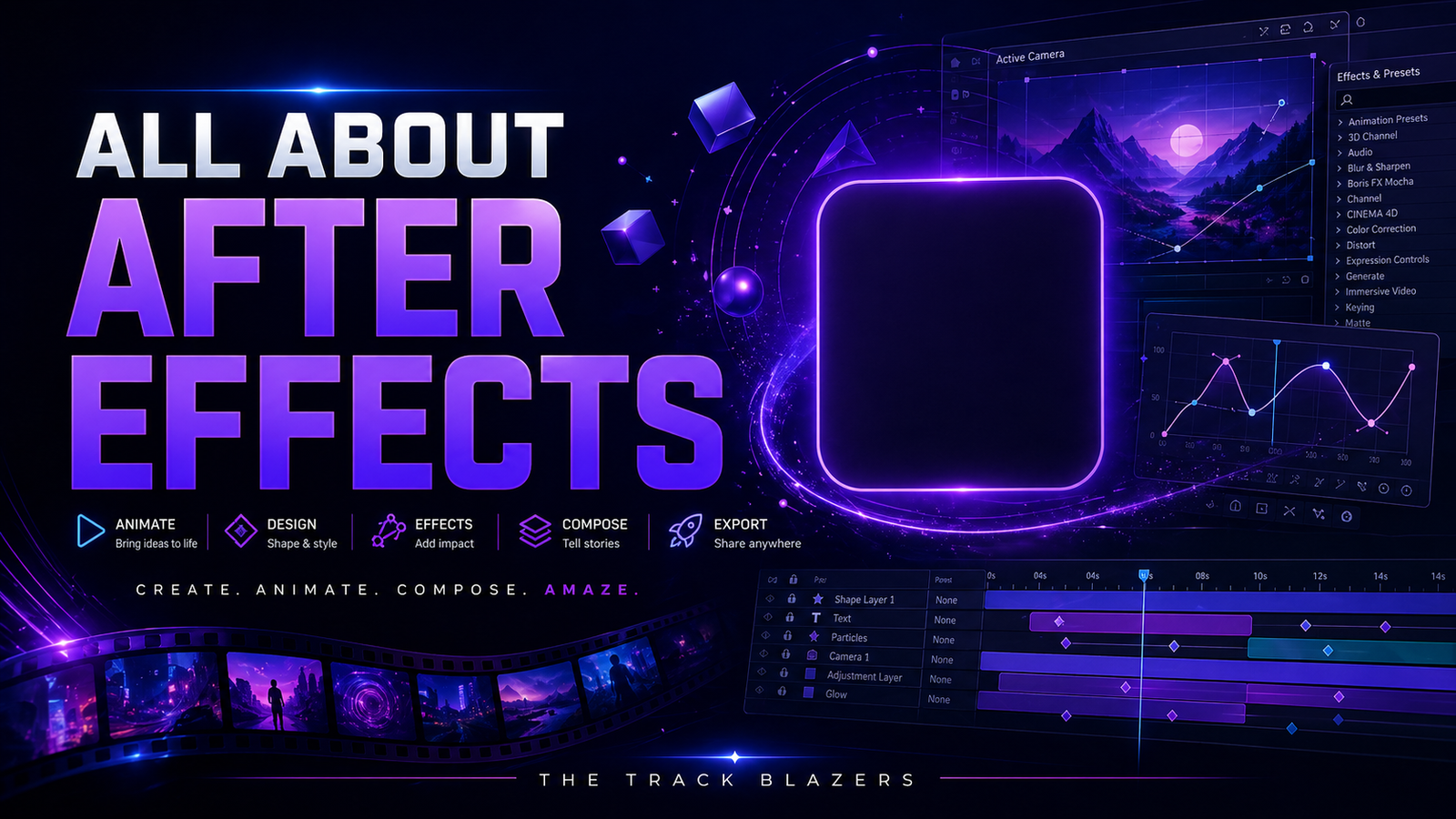
About Course
Learn how to use Adobe After Effects to create more dynamic, polished, and visually engaging content for your brand, business, or creative projects. This masterclass introduces the core tools and techniques behind motion graphics, animation, visual effects, and compositing, helping you understand how to bring static visuals and video projects to life. Whether you want to create eye-catching social content, animated titles, logo reveals, promotional graphics, or enhanced video assets, this course is designed to help you build practical skills and use After Effects with more confidence, creativity, and control.
Course Content
Course Introduction
This opening lesson introduces viewers to the course and sets expectations for what they will learn inside After Effects. It frames the software as a powerful tool for animation, motion graphics, and visual enhancement while preparing learners to build skills they can apply across a wide range of creative projects.
-
Introduction
00:35
Getting Started
This module introduces the basic building blocks of working in After Effects. Viewers will learn how to import assets, create compositions, understand how layers work, and begin editing and transforming text and visual elements so they can build a strong foundation before moving into animation techniques.
-
Lesson 1: Importing Files into After Effects
00:00 -
Lesson 2: Creating a Composition
01:49 -
Lesson 3: Creating a New Solid Layer
00:00 -
Lesson 4: Introduction to layers in the timeline and project panel
00:00 -
Lesson 5: Creating and editing text layers
04:06 -
Lesson 6: Transforming a text layer
03:14
Module 3: Introduction to animating layers with After Effects
This module introduces the core concepts behind animating layers in After Effects. It helps viewers understand how audio, text, solids, shapes, masks, and transitions can work together to create more polished motion graphics and visually engaging animated content.
-
Lesson 1: Understanding Keyframe Animation
02:01 -
Lesson 2: Animating Text Layers
-
Lesson 3: Optimizing Settings for Smooth Playback
00:00 -
Lesson 4: Using Solid Layers in Your Animations
02:28 -
Lesson 5: Working with Shape Layers
02:24 -
Lesson 6: Working with Masks in After Effects
-
Lesson 7: Animating Masks in After Effects masks in After Effects
-
Lesson 8: Creating Masks with Bézier Points
-
Lesson 9: Simplifying Animation with Layer Parenting
Module 4: Optimizing After Effects to save you time and frustration
This module focuses on improving workflow and performance inside After Effects. Viewers will learn how to optimize settings, create useful presets, manage system resources, and prepare projects for a variety of resolutions and export needs so they can work more efficiently and avoid unnecessary slowdowns.
-
Lesson 1: Optimizing After Effects preferences.
01:17 -
Lesson 2: Optimizing media and disk cache
00:00 -
Lesson 3: Setting up the auto-save function
00:00 -
Lesson 4: Checking In
00:31 -
Lesson 5: Setting up memory usage
00:45 -
Lesson 6: Creating a high definition 1080p composition preset
01:23 -
Lesson 7: Creating an ultra high definition 4K composition preset
00:53 -
Lesson 8: Creating a high definition 720p composition preset
00:35 -
Lesson 9: Creating a standard definition composition preset
00:00 -
Lesson 10: Exporting After Effects projects
00:00 -
Lesson 11: Creating a standard defition 480p export preset
00:00 -
Lesson 12: Creating a high definition 1080p export preset
00:00 -
Lesson 13: Creating a high definition 1080p alpha channel export
00:00 -
Lesson 14: Creating a UHD 4K export preset
Module 5: Professional looking titles with ease
This module focuses on creating stronger, more polished title graphics inside After Effects. Viewers will learn how to improve text with depth, blur, easing, lower thirds, and transparent exports so their titles look more refined and professional in real-world projects.
-
Lesson 1: Making your text pop in your video projects with drop shadow effects
00:00 -
Lesson 2: Using 3D text effects
00:00 -
Lesson 3: Using the fast blur effect on your text layers
00:00 -
Lesson 4: Creating lower third titles
-
Lesson 5: Using easy ease keyframes to create smoother transitions in animations
00:00 -
Lesson 6: Exporting an alpha channel video
00:00
Module 6: Creating a professional motion graphic with ease
This module brings together key After Effects techniques to help viewers create polished motion graphics from start to finish. It focuses on layering, 3D space, cameras, pre-compositions, masks, and refinement techniques that help transform simple designs into more professional animated visuals.
-
Lesson 1: Introduction to 3D Layers and Cameras
06:28 -
Lesson 2: Creating a motion graphic title
05:58 -
Lesson 3: Making your motion graphic look great.
00:00 -
Lesson 4: Fixing banding issues in your motion graphic title
01:58 -
Lesson 5: Working with pre-compositions
00:00 -
Lesson 6: Using effects on a pre composition
03:09 -
Lesson 7: Using masks to add a finishing touch on a great looking motion graphic title
03:15
Student Ratings & Reviews

No Review Yet

